







Gaming & Entertainment: Complete Guide to Building the Right Gaming Setup
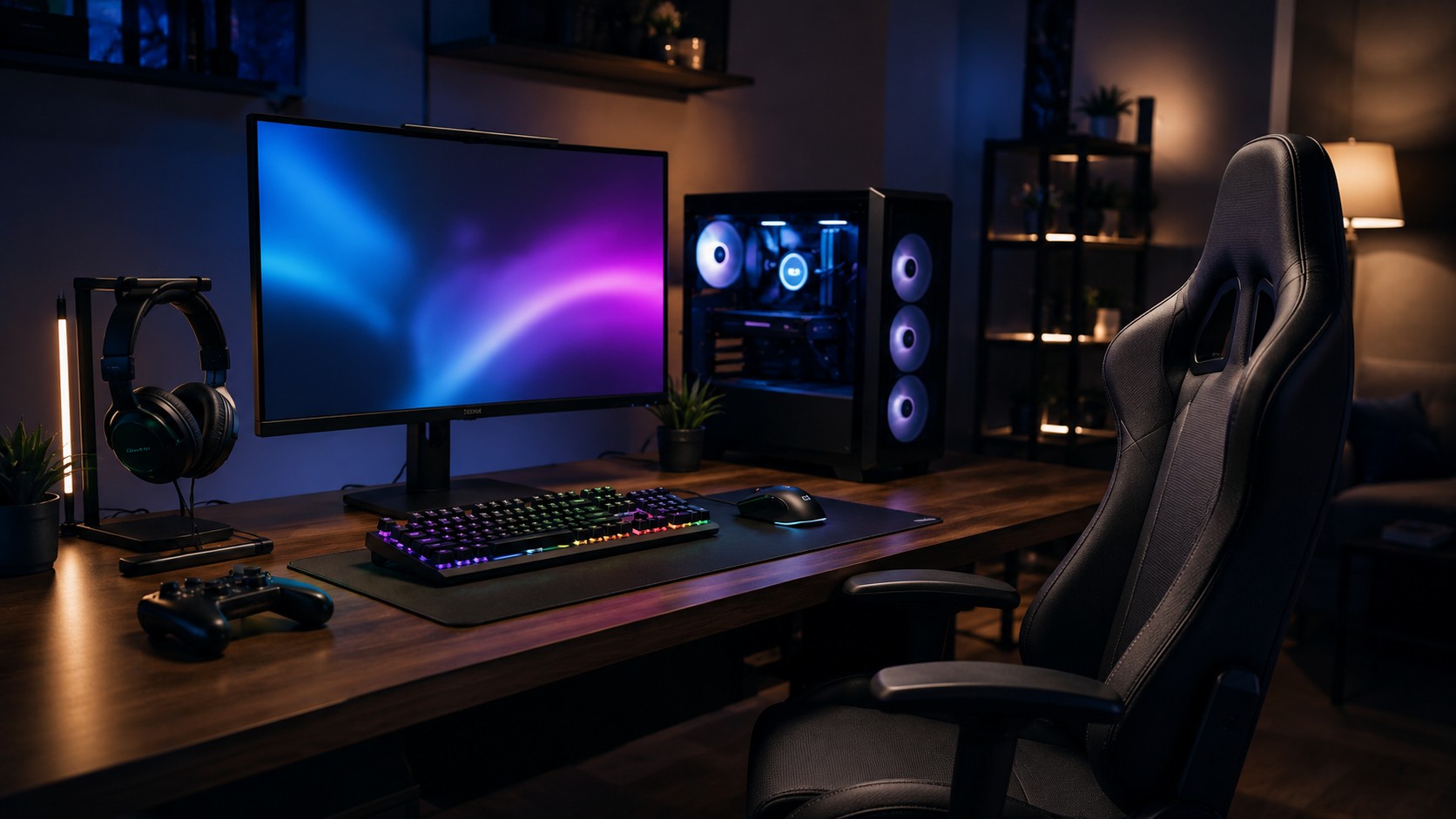
Gaming and entertainment have evolved far beyond simply owning a console or computer. A modern setup can include a gaming chair, monitor, headphones, microphone, connectivity accessories and other equipment designed around comfort, performance and entertainment.
Whether you are a casual gamer, competitive player, streamer or technology enthusiast, choosing the right equipment can make your setup more practical and enjoyable.
This Gaming & Entertainment guide explores the essential equipment and accessories to consider when creating or upgrading a modern gaming setup.
Start With Your Gaming Platform
The first step is to identify the platform you use.
Your setup might be based around:
- Gaming PC
- Gaming laptop
- PlayStation
- Xbox
- Nintendo console
- Other compatible entertainment devices
Your platform will influence the monitor, connectivity, audio equipment and peripherals you need.
It is important to check compatibility before purchasing accessories, particularly when choosing cables, controllers, displays and other connected equipment.
Choose the Right Gaming Monitor
The monitor is one of the most important parts of a PC gaming setup.
When comparing displays, consider:
- Screen size
- Resolution
- Refresh rate
- Response time
- Panel type
- Available connections
- Compatibility with your gaming hardware
A competitive player may prioritize a higher refresh rate, while someone playing visually demanding games may place more importance on resolution and image quality.
The right monitor should match both your gaming preferences and the capabilities of your computer or console.
Comfort Matters: Choosing a Gaming Chair
Gaming sessions can sometimes last for extended periods, making the chair an important part of your gaming environment.
A suitable gaming chair should fit your body comfortably and work well with your desk and monitor position.
When comparing gaming chairs, consider:
- Chair size
- Adjustability
- Back support
- Seat design
- Desk height
- Available workspace
OnlineFotoCrown has expanded its product range with a dedicated Gaming Chairs category for customers building or upgrading their gaming setup.
A comfortable workspace can complement your other gaming equipment and help create a more organized environment.
Gaming Audio and Headphones
Audio is an important part of the gaming experience.
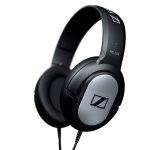
Headphones can provide a more focused listening experience while also supporting voice communication in multiplayer games.
They can be particularly useful for:
- Multiplayer gaming
- Competitive gaming
- Streaming
- Gaming at night
- Content creation
OnlineFotoCrown offers headphones as part of its broader audio product range.
For gamers who also create videos or livestreams, audio equipment can become even more important.
Microphones for Streaming and Gaming Content
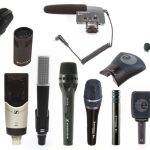
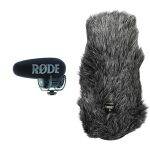
If you stream games, record gameplay or create gaming videos, a dedicated microphone can help improve your content creation workflow.
The appropriate microphone depends on your environment, recording method and intended use.
OnlineFotoCrown’s professional microphones category provides options for users who need audio equipment for content creation and other professional applications.
A microphone can also be useful for podcasts, commentary, interviews and other forms of online content.
Cables and Connectivity
A modern gaming setup can require several different cables.
Depending on your equipment, you may need connections for:
- Monitor
- Gaming computer
- Console
- Headphones
- Keyboard
- Mouse
- Network
- USB accessories
Using the appropriate cable for your equipment is important for compatibility and functionality.
OnlineFotoCrown provides a dedicated Cables & Connectors category where users can explore connectivity accessories for different technology setups.
Always check the ports and specifications of your devices before purchasing.
Build a Cleaner Gaming Setup
Cable management is often overlooked when building a gaming desk.
Multiple devices can quickly create a cluttered workspace. Organizing cables by device and keeping unnecessary cable length under control can make the setup easier to maintain.
A cleaner desk can also make it easier to access your equipment and troubleshoot connections when something stops working.
Gaming and Content Creation
Gaming and content creation increasingly overlap.
A gamer who streams or creates YouTube videos may need equipment beyond the basic gaming setup.
A creator-focused gaming workspace could include:
- Gaming PC or laptop
- Monitor
- Gaming chair
- Headphones
- Microphone
- Camera
- Lighting
- Storage
- Connectivity accessories
OnlineFotoCrown also offers lighting accessories that can support video recording, streaming and other content creation applications.
Storage for Games and Content
Storage can become important for both gaming and content creation.
Modern games can require significant storage space, while recorded gameplay and video projects can consume even more.
Additional storage may be useful for:
- Game libraries
- Gameplay recordings
- Video projects
- Photos
- Backups
- Other large files
OnlineFotoCrown’s storage devices category can be useful when considering additional storage for a technology setup.
Upgrade Based on Your Needs
You do not need to upgrade every part of your gaming setup at the same time.
Instead, identify the area that needs improvement.
For example:
Uncomfortable setup → consider a suitable gaming chair
Poor display experience → evaluate your monitor
Weak audio → consider better headphones or audio equipment
Poor streaming audio → consider a dedicated microphone
Cable clutter → organize or replace unsuitable connections
This approach helps you spend money where it can make the most practical difference.
Final Thoughts
A good Gaming & Entertainment setup is about creating a balanced environment around the way you play, watch and create.
Your gaming platform provides the foundation, while the monitor, chair, audio equipment, peripherals, cables and accessories can improve different parts of the overall experience.
Whether you are building a gaming desk, upgrading your entertainment setup or creating a streaming workspace, choose equipment based on compatibility, comfort and your actual requirements.
Explore OnlineFotoCrown for gaming, audio, photography, drone and technology products. If you need help finding suitable equipment, you can also contact OnlineFotoCrown.
A basic gaming setup may include a gaming PC or console, monitor or TV, input devices, audio equipment and a comfortable workspace. Additional accessories depend on your requirements.
A gaming chair is not essential for gaming, but a suitable chair can be an important part of a comfortable and organized gaming workspace.
Consider screen size, resolution, refresh rate, response time, panel technology and available connections. The right specifications depend on your gaming hardware and preferences.
A dedicated microphone can be useful for streaming, recording gameplay, creating gaming content or communicating when higher-quality audio is desired.
Cables connect monitors, computers, consoles, peripherals, audio equipment and networks. Choosing compatible cables helps ensure that your devices can communicate and operate as intended.
Start by identifying the biggest limitation in your current setup. Improving comfort, display quality, audio, connectivity or organization can each make a noticeable difference depending on your needs.